
How this tool works
Signature Specimen PDF: a practical guide
Formats your chosen name and optional description into a PDF for visual reference. All content comes from the form.
Steps to use this tool
- Enter a name and optional caption.
- Create the signature specimen PDF.
- Check the visible wording and its non-authenticated purpose.
Tested example — 19 October 2026
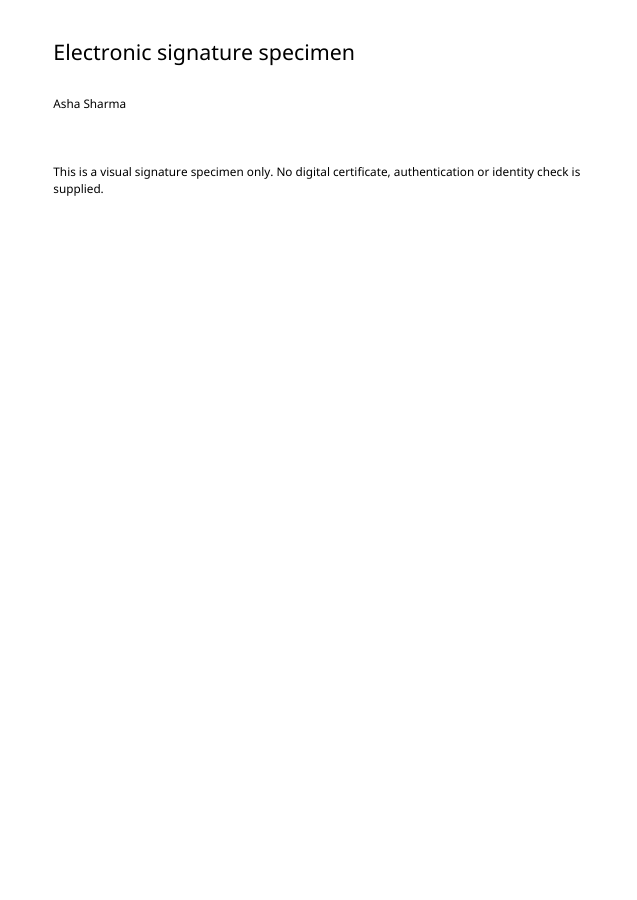
The sample contains Asha Sharma without an invented Signature Authenticated statement.
Measured output: signature-specimen.pdf — 7415 bytes; 1 PDF pages.
Sample settings:
{
  "name": "Asha Sharma"
}
Test environment: Node + native canvas + actual site-ui.js form integration in LinkeDOM Representative sample; inspect your own output.
Check the result
Check the spelling and any optional caption in the output. Use a genuine certificate-signing process if the recipient requires cryptographic verification.
Files and privacy
The public tool processes selected documents in your browser. It does not send document bytes to a conversion server. The page and its bundled libraries still download from this website. Keep the original, use an up-to-date browser and inspect your output before sharing it. See the privacy policy for hosting and support information.
If processing fails
A missing name is refused because a blank specimen would be misleading. Unsupported characters should be corrected before creating another copy.
Implementation notes and sample evidence updated 2026-10-19. These notes describe the supported operation and its limits.
Check the local-processing claim in your browser’s Network panel.