
How this tool works
PDF Reader: a practical guide
Checks the selected PDF with the local renderer, then gives you a local PDF preview and an Open PDF link. The file stays on your device.
Steps to use this tool
- Select a local PDF.
- Open it in the local reader preview.
- Check the displayed pages or download the unchanged original.
Tested example — 19 October 2026
The sample reader returns the original PDF with exactly the same byte size.
Selected sample: sample.pdf (2421 bytes, 2 pages).
Measured output: sample.pdf — 2421 bytes; 2 PDF pages.
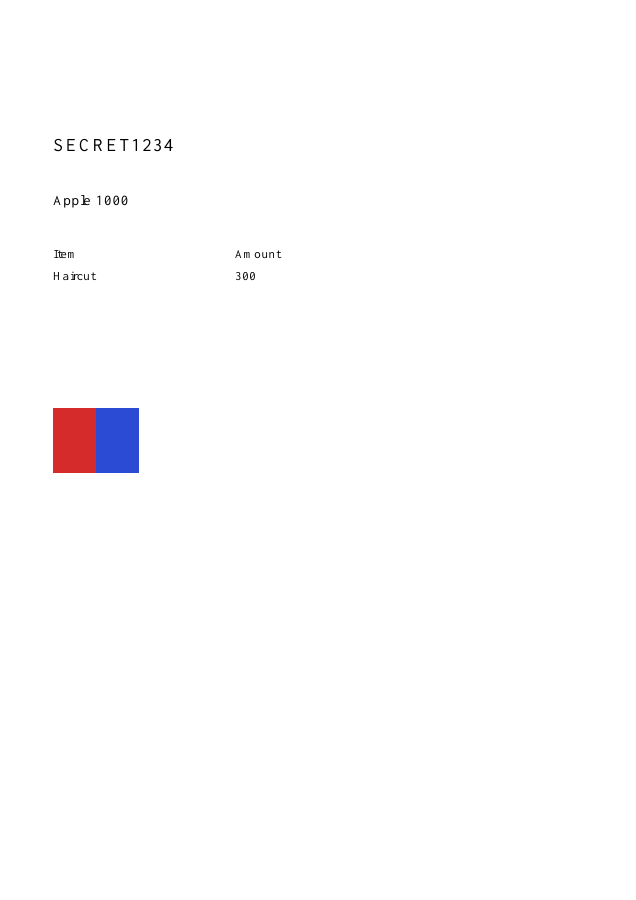
Test environment: Node + native canvas + actual site-ui.js form integration in LinkeDOM Representative sample; inspect your own output.
Check the result
Check the page count and text in the preview using your browser's PDF controls. The downloaded copy should retain the same bytes as the selected original.
Files and privacy
The public tool processes selected documents in your browser. It does not send document bytes to a conversion server. The page and its bundled libraries still download from this website. Keep the original, use an up-to-date browser and inspect your output before sharing it. See the privacy policy for hosting and support information.
If processing fails
A zero-byte file is rejected before preview. If the browser blocks embedded PDF viewing, download the validated file and open it in a trusted viewer.
Implementation notes and sample evidence updated 2026-10-19. These notes describe the supported operation and its limits.
Check the local-processing claim in your browser’s Network panel.