
How this tool works
Document Statistics: a practical guide
Reads selectable text and calculates page count, word-like token count, character count and repeated terms. Downloads a report based on your actual document.
Steps to use this tool
- Select a text-based PDF.
- Run PDF Text Statistics.
- Read the counts in the downloaded report alongside the source.
Tested example — 19 October 2026
The sample report identifies two pages and states that it is not generative AI.
Selected sample: sample.pdf (2421 bytes, 2 pages).
Measured output: document-statistics.pdf — 9192 bytes; 1 PDF pages.
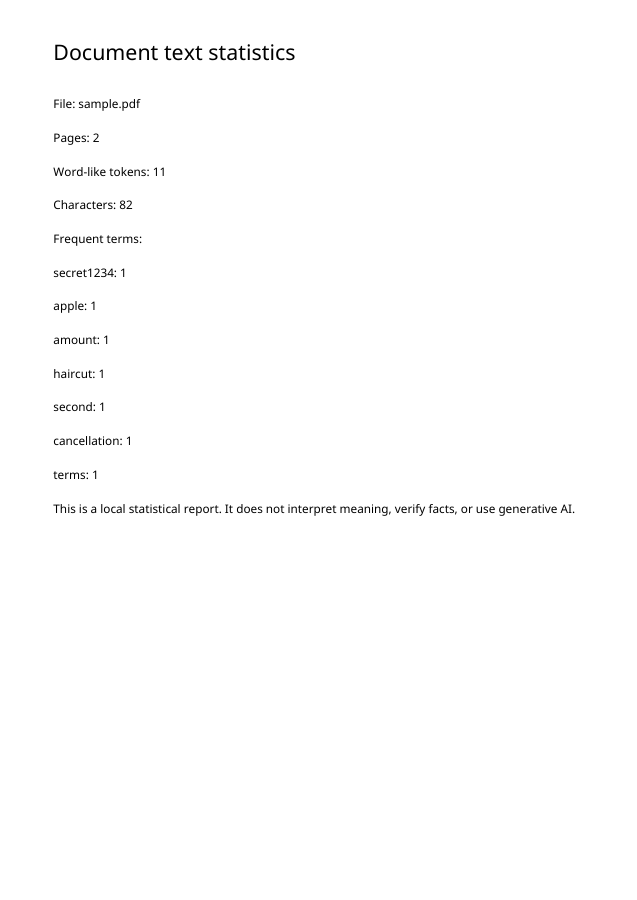
Test environment: Node + native canvas + actual site-ui.js form integration in LinkeDOM Representative sample; inspect your own output.
Check the result
Compare the reported page count with the PDF viewer. Treat word and character counts as properties of extracted text, which can differ from the printed appearance.
Files and privacy
The public tool processes selected documents in your browser. It does not send document bytes to a conversion server. The page and its bundled libraries still download from this website. Keep the original, use an up-to-date browser and inspect your output before sharing it. See the privacy policy for hosting and support information.
If processing fails
An image-only page has little or no extracted text for statistics. Run OCR separately when you need recognized wording rather than assuming a zero count means a blank page.
Implementation notes and sample evidence updated 2026-10-19. These notes describe the supported operation and its limits.
Check the local-processing claim in your browser’s Network panel.