
How this tool works
Barcode PDF: a practical guide
Uses a barcode encoder to calculate the bar pattern and check the value for the chosen format. Bars and the human-readable value are drawn into a PDF.
Steps to use this tool
- Enter a value and choose CODE128, EAN13 or EAN8.
- Generate the barcode PDF.
- Scan the result and compare the exact decoded value.
Tested example — 19 October 2026
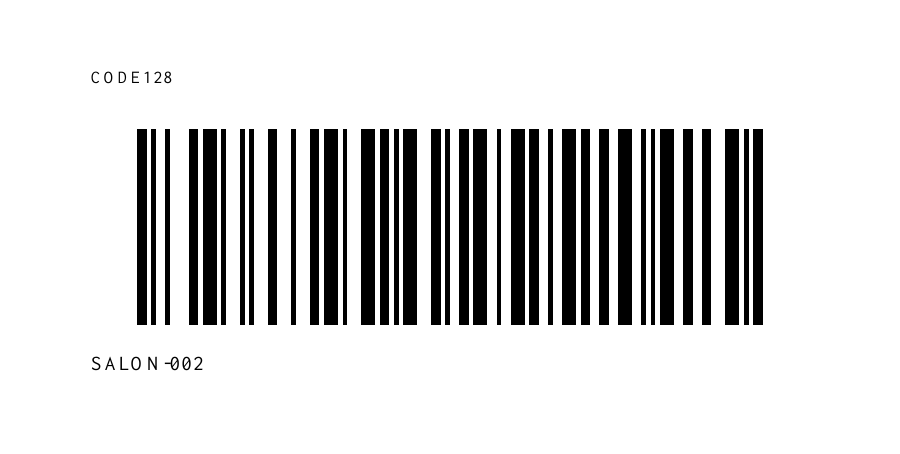
The sample's rendered CODE128 barcode independently decodes as SALON-002.
Measured output: barcode.pdf — 1644 bytes; 1 PDF pages.
Sample settings:
{
  "code": "SALON-002",
  "format": "CODE128"
}
Test environment: Node + native canvas + actual site-ui.js form integration in LinkeDOM Representative sample; inspect your own output.
Check the result
Scan the downloaded barcode with an independent reader. Compare the full decoded value, including leading zeroes, with the source value.
Files and privacy
The public tool processes selected documents in your browser. It does not send document bytes to a conversion server. The page and its bundled libraries still download from this website. Keep the original, use an up-to-date browser and inspect your output before sharing it. See the privacy policy for hosting and support information.
If processing fails
An invalid EAN checksum is rejected instead of drawing a plausible stripe pattern. Correct the digits or choose an appropriate format rather than editing the printed label alone.
Implementation notes and sample evidence updated 2026-10-19. These notes describe the supported operation and its limits.
Check the local-processing claim in your browser’s Network panel.